Topics
Follow these steps to log in to Studio and view the footage from your Sweep.
Open your browser and go to studio.blendedsense.com.
Enter your email address and password, then click Log In.
If you forgot your password, click Forgot Password and follow the instructions.
After logging in, look at the top navigation menu and click the Footage button.
This will take you to a page where you can view all footage connected to your account.
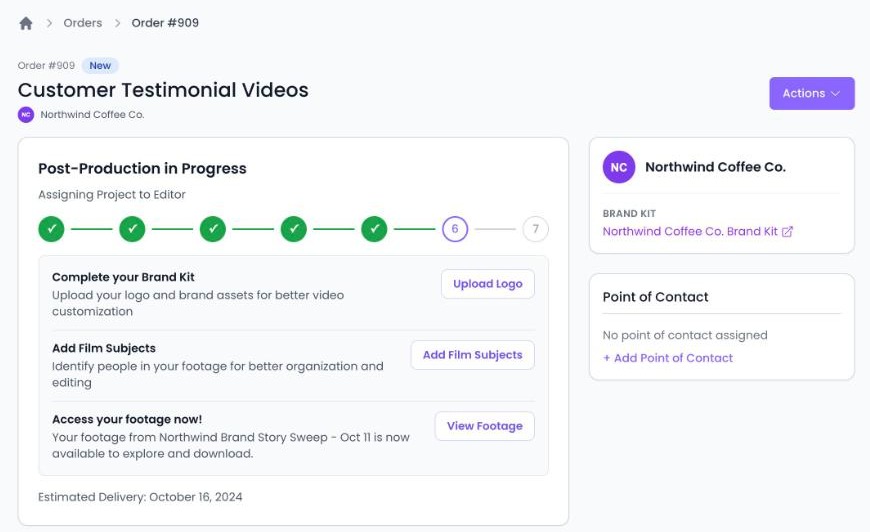
On the Footage page, you can:
This page shows footage from all Sweeps and orders associated with your account.
You can bookmark the Footage page in your browser for quick access in the future.


