Placing a Sweep order on Blended Sense is a simple ecommerce-style experience. This article walks you through how to schedule and place a Sweep order step by step, from selecting your options to confirming your order.
1 min read
Before You Start
Before placing an order, make sure:
You are logged in as a Customer
Your Brand Kit is set up (or ready to select)
You know whether you want Filming or Filming + Editing
Navigate to Ordering
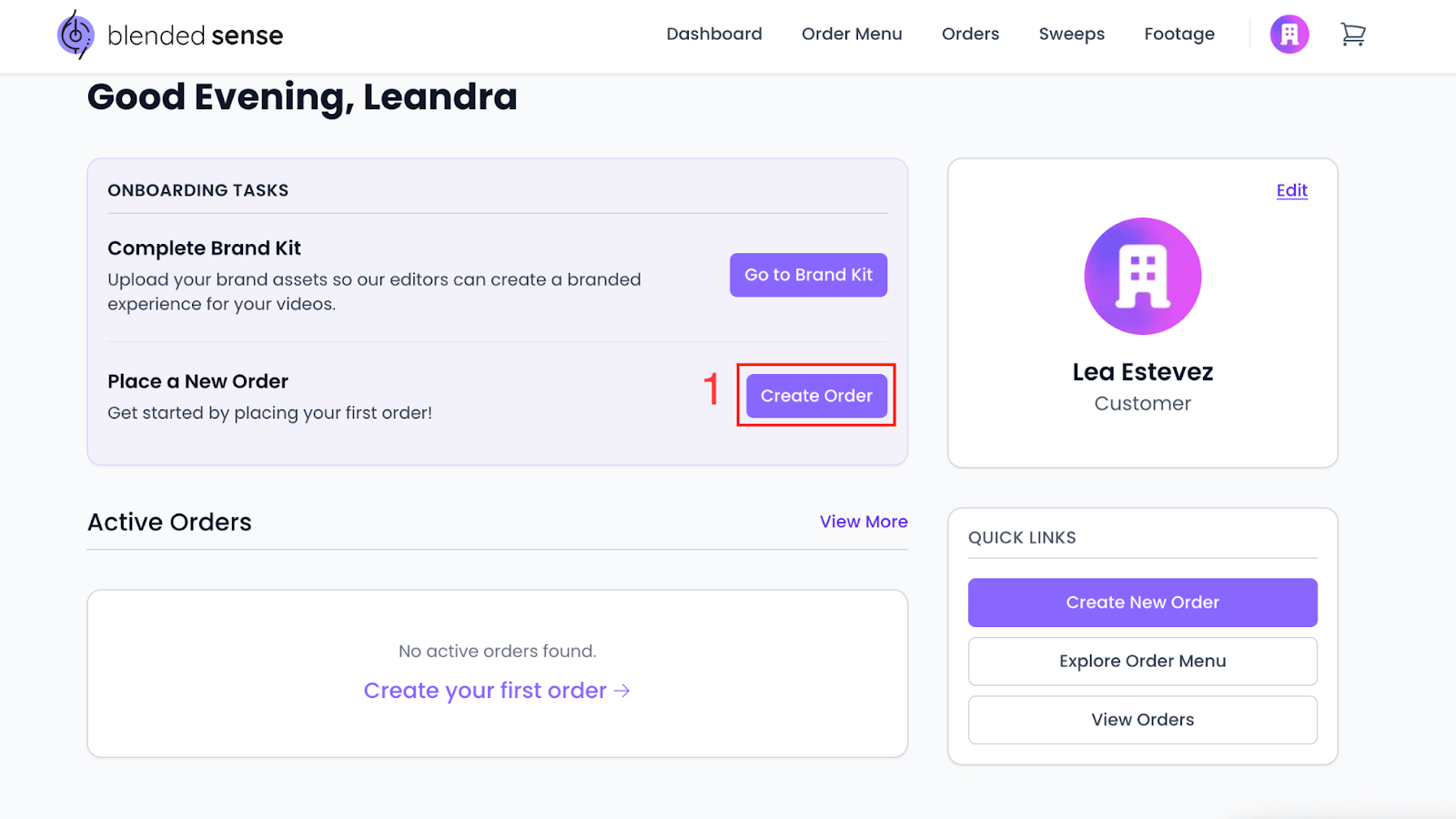
Log in to your Blended Sense account.
Select the option to Create Order.
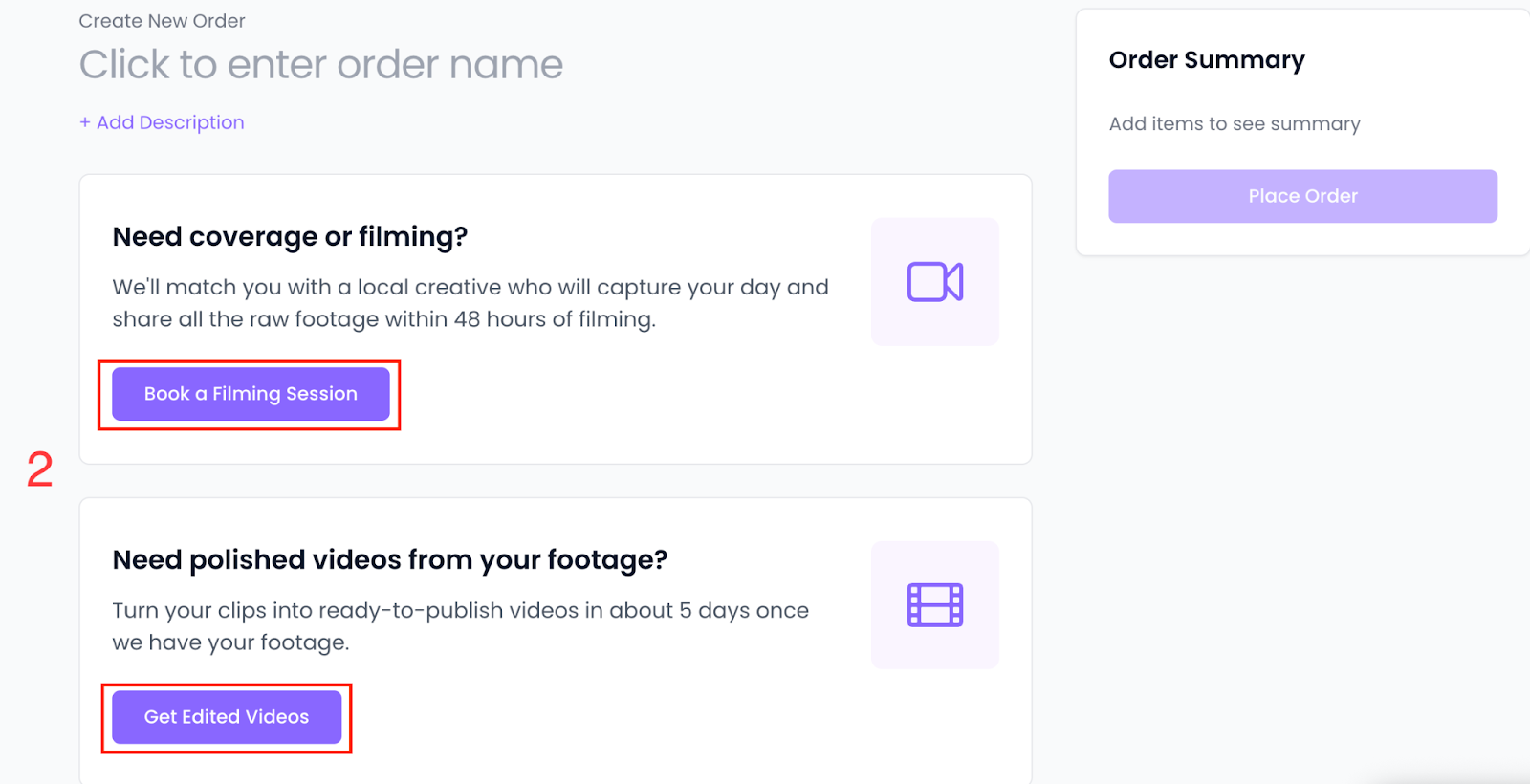
Choose the type of Sweep you want: Filming or Filming + Editing.
Review the description of each option before continuing.
Select a Deliverable
Select Book a Filming Session or Get Edited Videos.
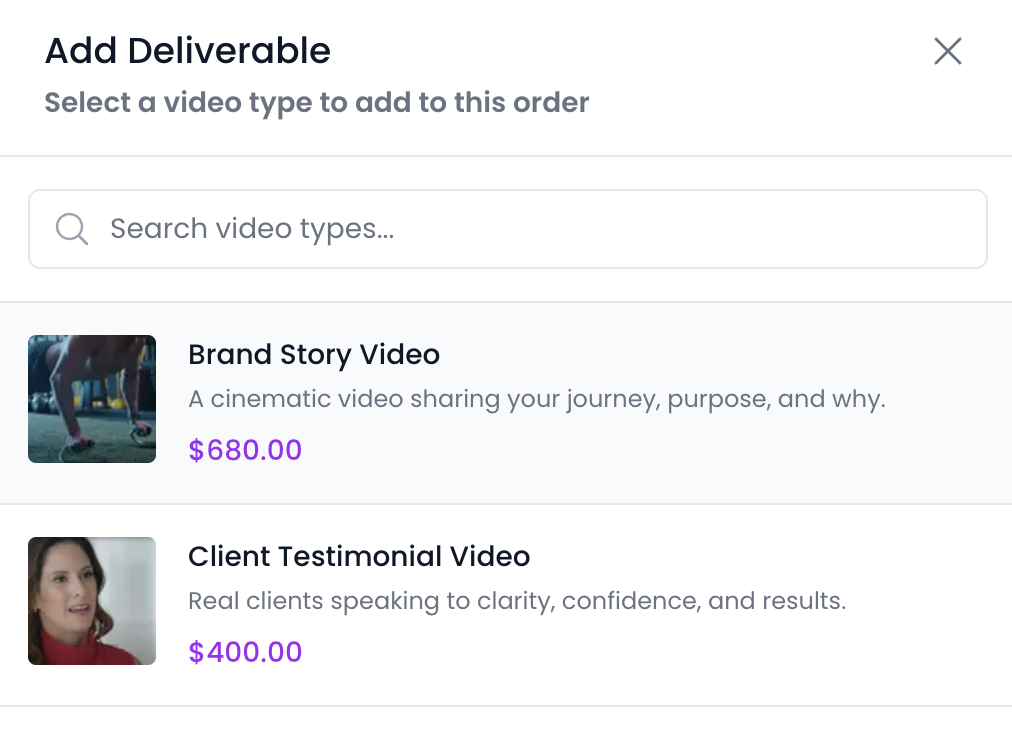
Choose your order from the menu.
Select Date, Time, and Location
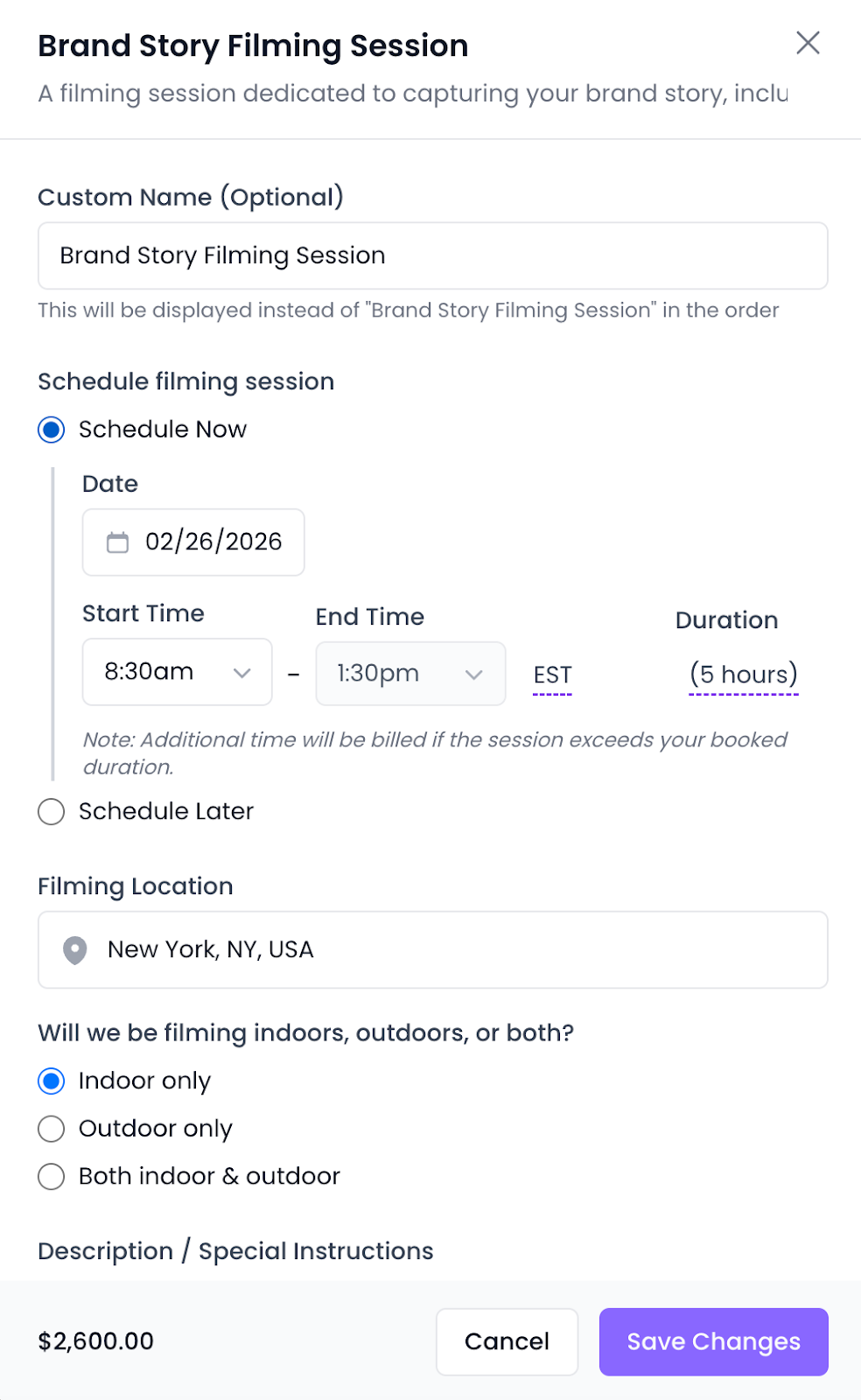
Choose your preferred date and time for the Sweep.
Confirm the location details for filming.
Availability may vary based on location and scheduling.
Review Your Order Details
Review the full order summary, including the Sweep type, Brand Kit, date, and location.
Confirm everything is accurate before proceeding.
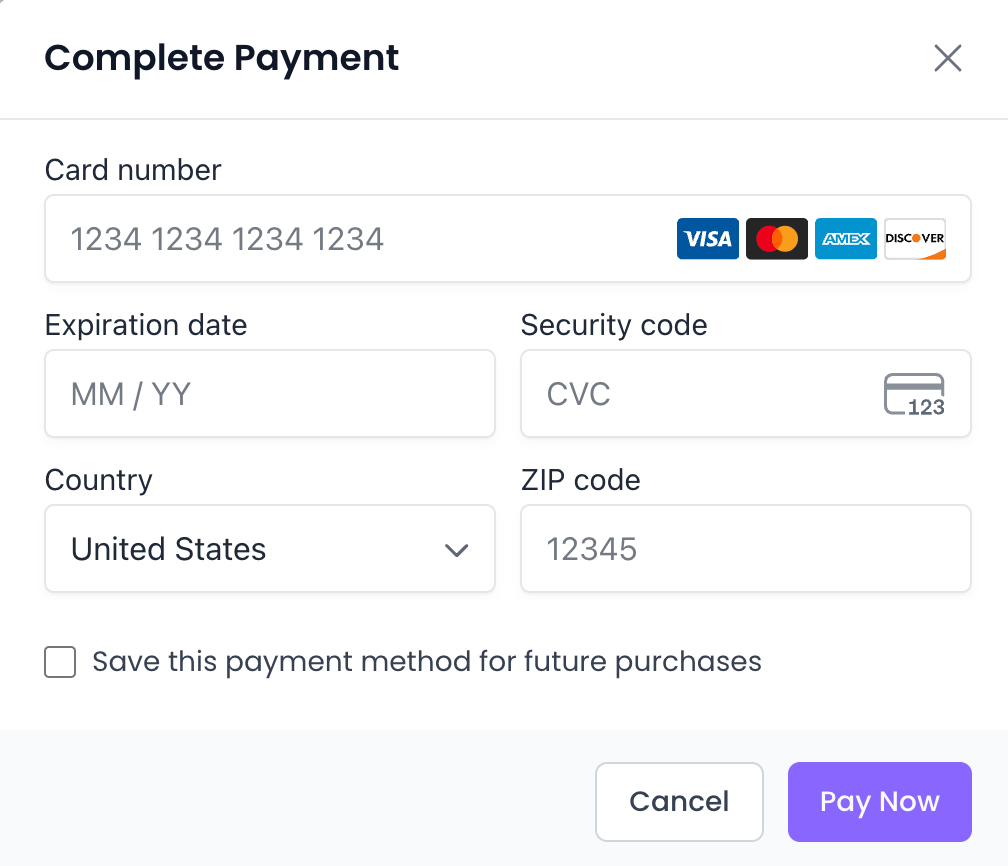
Choose Payment Method
Select how you would like to pay: Credits or Card or Bank.