(Customer How-To Guide) Your Brand Kit is the foundation for all content created on Blended Sense. It gives production teams the clarity they need to create video content that looks, feels, and sounds like your brand, without unnecessary revisions. This article walks you through how to set up your Brand Kit step by step and explains what to include and why it matters.
1 min read
What Is a Brand Kit?
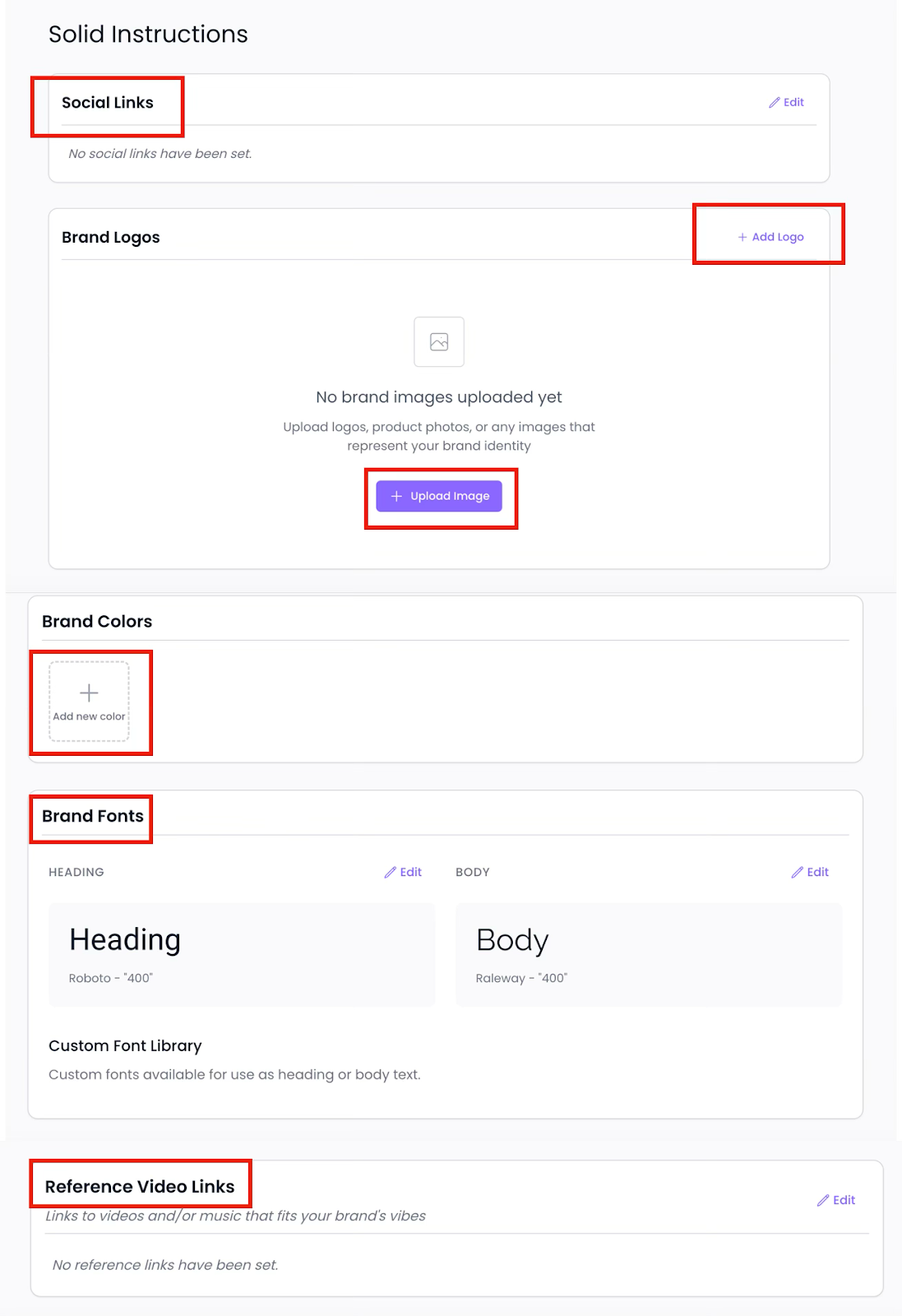
A Brand Kit is a centralized place where you store the visual and descriptive elements that define your brand, including:
Logos
Fonts and brand colors
Brand descriptions
Reference videos and inspiration
A well-built Brand Kit helps ensure your content is:
On-brand
Consistent
Aligned with your audience and goals
Each Brand Kit is associated with a specific business or brand.
Before You Start
Have the following ready before you begin:
Logo files (primary and alternate versions)
Brand fonts (or font names)
Brand colors (hex or RGB preferred)
A short brand description
Reference videos or visual examples
Create Your Brand Kit
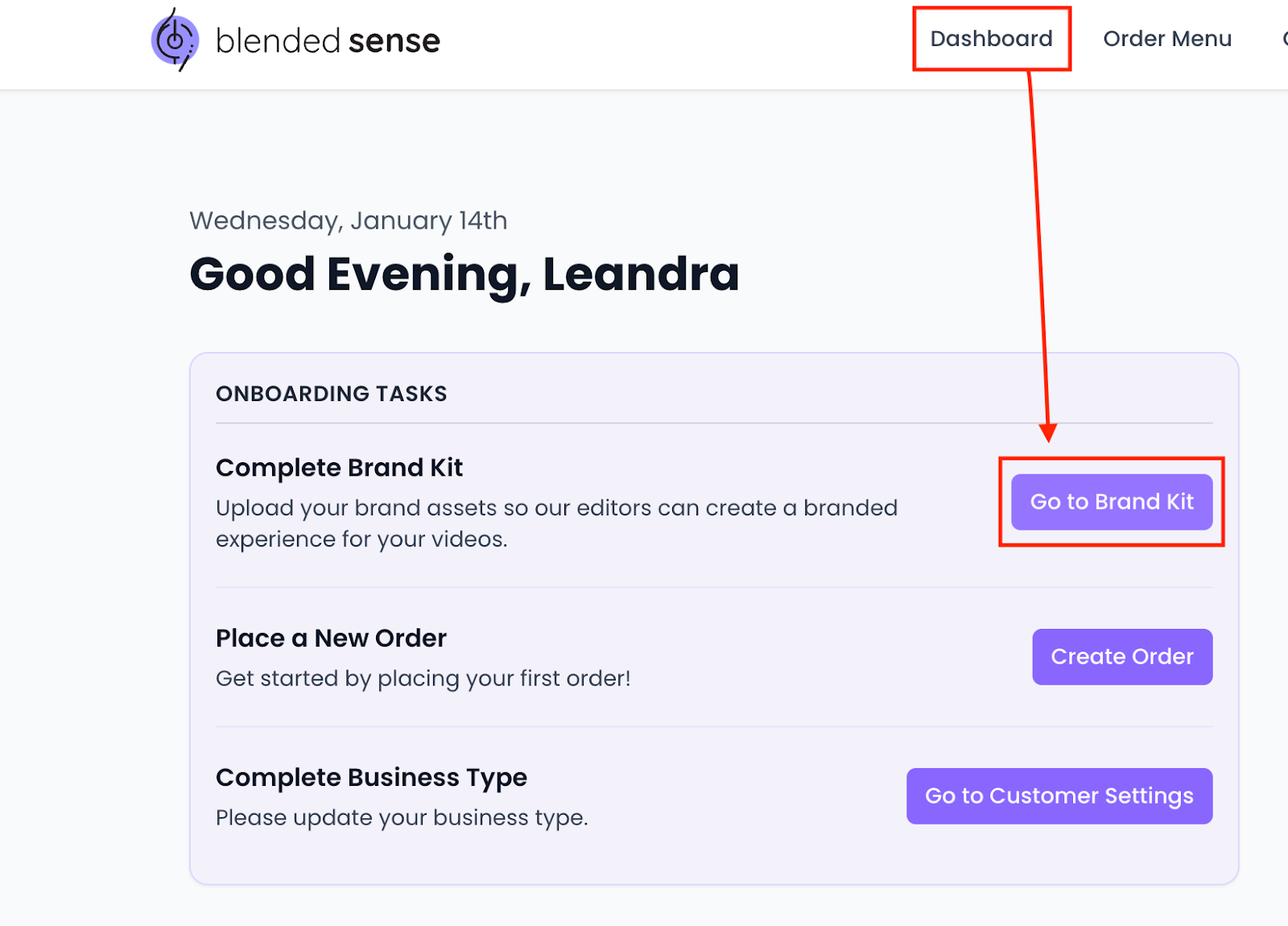
Log in to your Blended Sense account.
From your Customer Dashboard, navigate to Brand Kits.
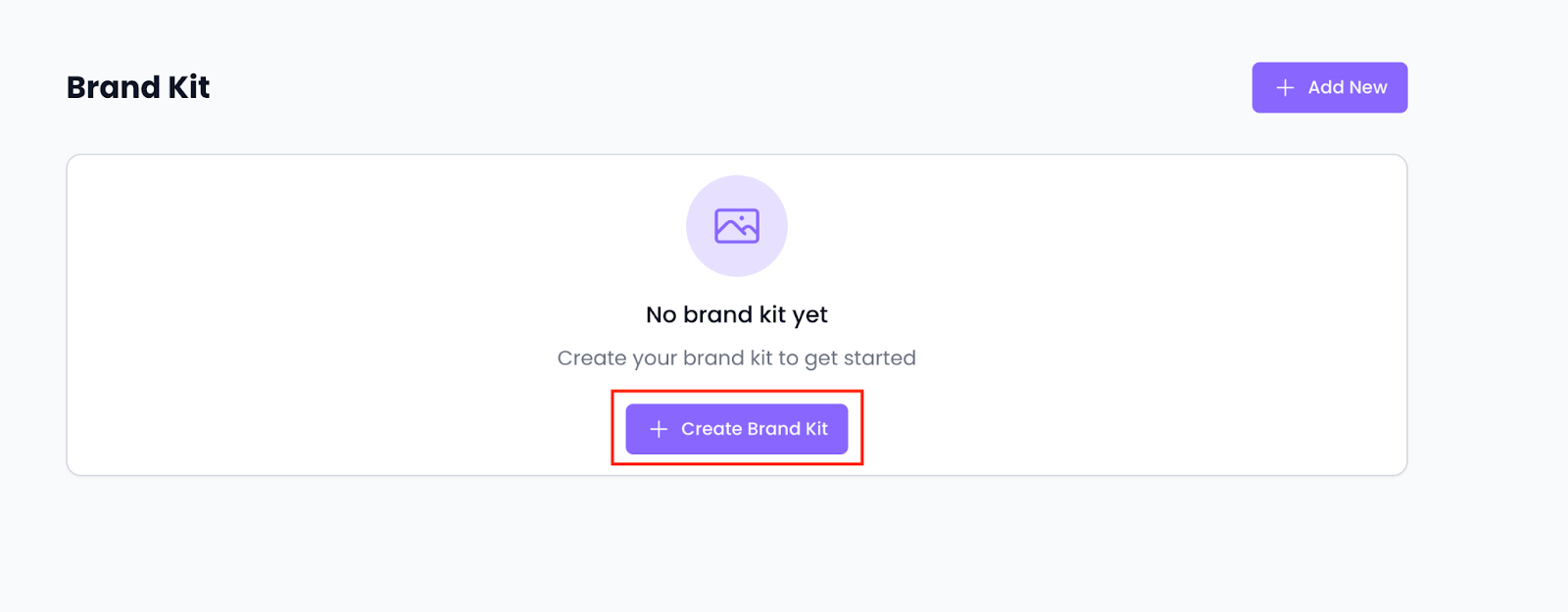
Select Create Brand Kit (or open an existing Brand Kit).
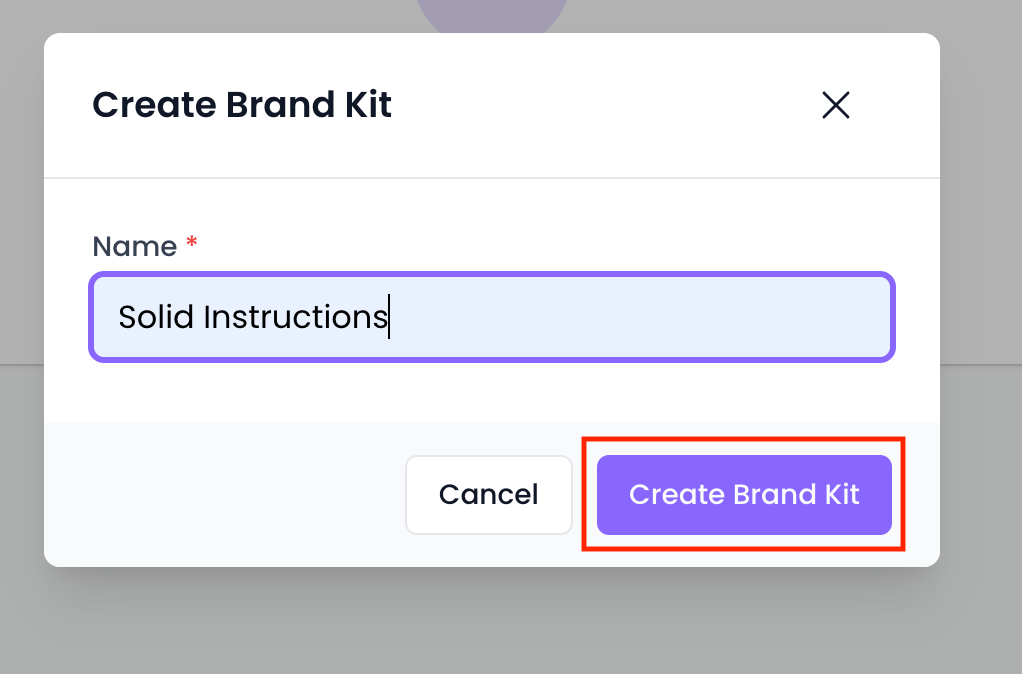
Enter the name of your brand or business.
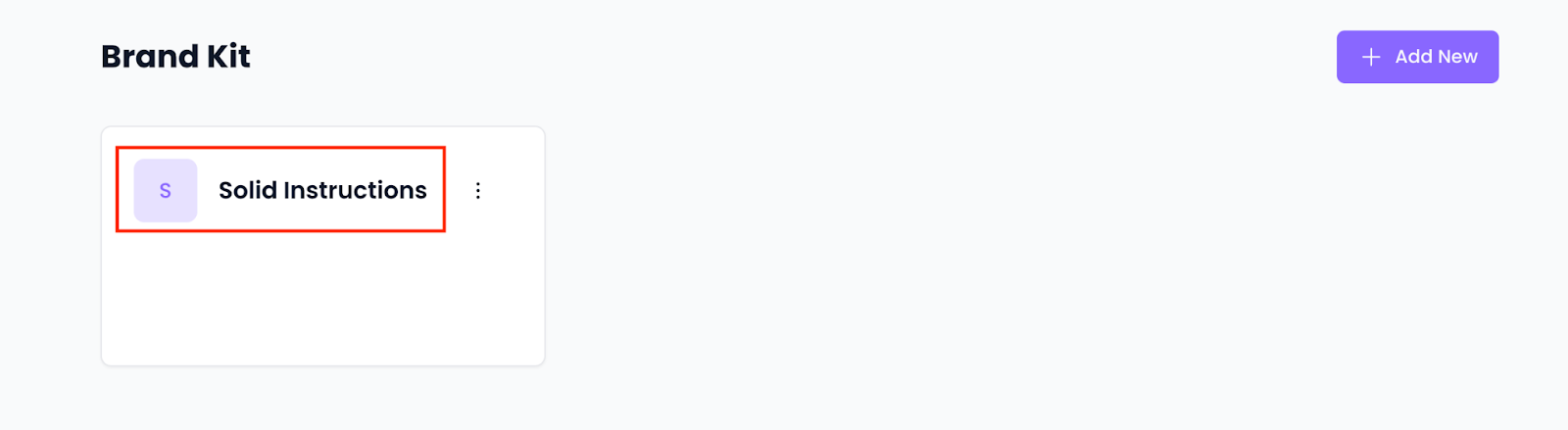
Click your business name to open the Brand Kit page.
Add Your Brand Details
Upload your primary logo.
Add alternate versions if available (dark, light, icon-only, transparent background).
Upload brand font files or list the font names.
Enter brand colors using hex or RGB values.
Add reference videos or visual inspiration that represent your style, tone, pacing, and framing.
Review Your Brand Kit
Review all entries for accuracy and completeness. Once finished, your Brand Kit becomes available for use across projects.
Best Practices for a Strong Brand Kit
Upload the highest-quality assets available
Keep branding current and up to date
Avoid outdated logos or off-brand examples
Be intentional with reference content
A clear Brand Kit reduces guesswork, saves time, and leads to better content outcomes.